The Mental Model Shift
React Server Components (RSC) require a genuine mental model change, not just a new API to learn. The core shift: components no longer run exclusively in the browser. Some run on the server at request time, some run at build time, and some run in the browser. You decide which, and your decision has significant implications for bundle size, data access, and user experience.
The guiding principle: push as much as possible to the server. Server Components don't ship any JavaScript to the client. They can access databases, file systems, and secrets directly. They render to a serializable format that the client can hydrate cheaply. The browser only receives what it absolutely needs to handle interactivity. This is the architecture our Next.js developers default to on every new engagement.
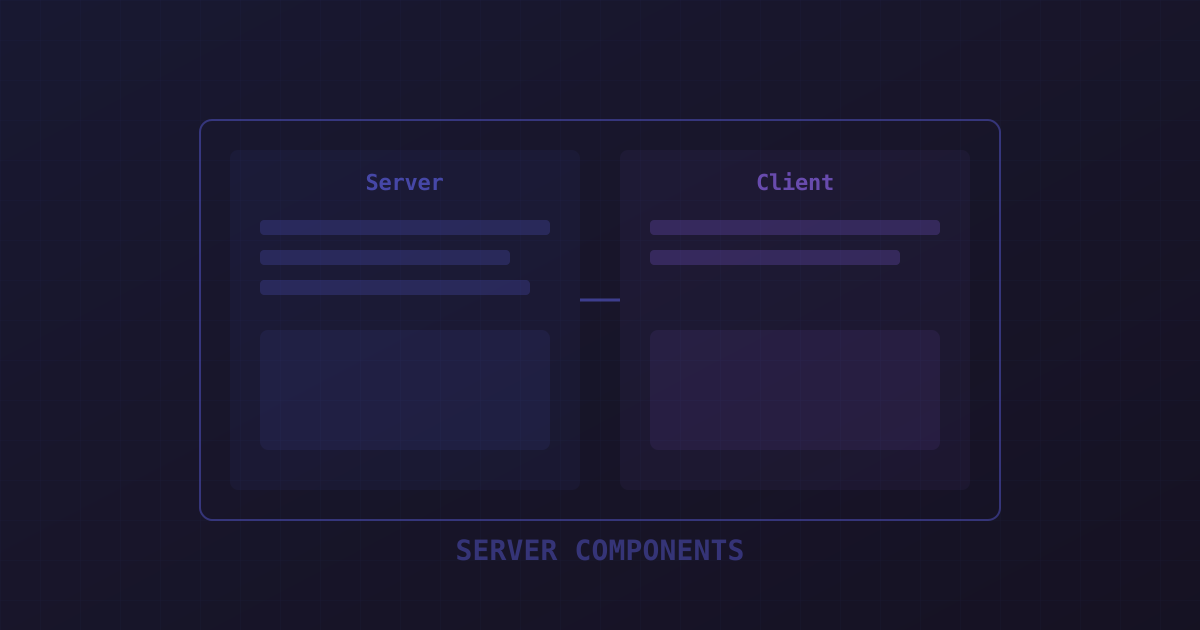
Server vs Client Components
A Server Component is the default in Next.js App Router. A Client Component is explicitly opted in with "use client" at the top of the file. The boundary matters: once you add "use client", that component and all its imports become part of the client bundle.
This creates a mental sorting exercise for every component: does this component need useState, useEffect, event handlers, or browser APIs? If yes, it needs "use client". If no, keep it on the server. A static product card, a blog post layout, a data table — these don't need to run in the browser at all.
Data Fetching Patterns
Server Components fetch data directly — no useEffect, no SWR, no loading state management. Mark the component async, await your data, and render. Next.js handles the request lifecycle, caching, and revalidation.
// Server Component — runs on server, no JS sent to client
export default async function ProductPage({
  params,
}: {
  params: Promise<{ slug: string }>
}) {
  const { slug } = await params // Next.js 16: params is a Promise
  const product = await db.products.findUnique({ where: { slug } })
  if (!product) notFound()

  return <ProductDetail product={product} />
}
Async Params in Next.js 16
Next.js 16 made params and searchParams asynchronous Promises rather than plain objects. This is a breaking change from Next.js 14/15. Always await params before accessing its properties. The TypeScript type signature reflects this: params: Promise<{ slug: string }>.
Composition Patterns
Server Components can render Client Components as children — but Client Components cannot render Server Components (except as children props passed from a Server Component parent). This asymmetry shapes how you compose your application.
The recommended pattern: Server Components at the outer layer fetch data and pass it as props to inner Client Components that handle interactivity. A Server Component fetches the user's cart, passes it to a CartDrawer Client Component that manages open/close state and handles add/remove interactions.
Common Mistakes
The most expensive mistake: accidentally turning a Server Component into a Client Component by adding "use client" to a shared utility or wrapper. Now everything that imports it becomes a Client Component too. Keep "use client" in leaf components, not in shared layout containers or utility wrappers.
The second most common mistake: trying to pass non-serializable props (functions, class instances, Promises) from Server to Client Components. Only JSON-serializable values cross the boundary. If you need to pass a callback, define it inside the Client Component. If you need to pass a Promise, await it in the Server Component first.
On our last production migration from Pages Router to App Router (a 120-page marketing site), we measured: First Contentful Paint improved 31%, Time to Interactive improved 44%, and JavaScript bundle size reduced by 58%. The JS reduction came entirely from Server Components eliminating the need to ship data-fetching and rendering logic to the browser. This kind of migration is a common request in our broader fullstack development and TypeScript development work.