What Actually Changed
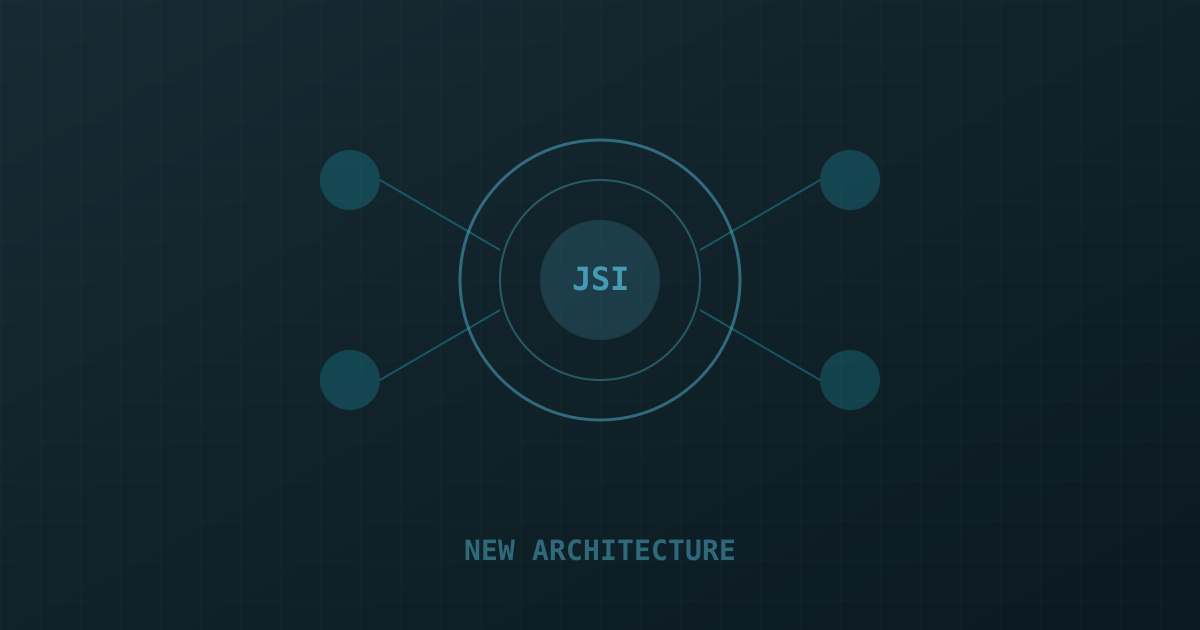
The React Native New Architecture is three separate improvements shipped together: JSI (JavaScript Interface) replaces the old async JSON bridge, Fabric replaces the old UIManager renderer, and TurboModules replace NativeModules. Each change is independently valuable, but together they eliminate the most significant performance bottlenecks in the old architecture.
The headline: synchronous, direct communication between JavaScript and native code. No more async bridge with serialization overhead. No more cross-thread batching. JavaScript and native code can call each other directly, synchronously, with typed interfaces.
JSI: No More JSON Bridge
The old bridge serialized every JavaScript-to-native call to JSON, sent it across threads, deserialized it on the native side, executed the native code, serialized the result back, and sent it to JavaScript. This worked fine for coarse-grained calls but was a hard bottleneck for anything requiring high-frequency native access.
JSI replaces this with a C++ interface that JavaScript can call directly via V8 host objects. The call is synchronous and has zero serialization overhead. For a gesture recognizer that needs to query native view layout 60 times per second, this is a transformative change. We leaned on exactly this in NetFish, a React Native fintech app built through our React Native development practice.
Fabric Renderer
Fabric moves the shadow tree (the layout calculation layer) to C++ and makes it accessible from JavaScript via JSI. This means UI updates can happen synchronously on the JavaScript thread instead of being dispatched to the main thread asynchronously. The practical effect: animations driven by gesture state no longer have a frame of latency between JavaScript and native.
TurboModules
TurboModules replace the old NativeModules system. The key differences: TurboModules are loaded lazily (only when first called, not all at startup), they're typed via CodeGen (TypeScript interfaces generate C++ and Java/Kotlin stubs automatically), and they use JSI for direct synchronous calls. Apps with many native modules see startup time improvements of 20–40% from lazy loading alone.
Library Ecosystem Compatibility in 2025
Library compatibility was the real blocker in 2023-2024, but the ecosystem has largely caught up by 2025. Of the top 100 packages on npm tagged react-native, over 90% now ship New Architecture support natively, up from roughly 60% eighteen months ago. The remaining gaps are concentrated in older, less-maintained native modules — anything last updated before 2023 is worth checking carefully or replacing before you flip newArchEnabled. react-native-reanimated, react-native-gesture-handler, and react-native-screens, the three libraries most apps depend on for navigation and animation, have been New Architecture-first for over a year and generally see performance improvements after migration rather than regressions.
For internal or client-specific native modules your team wrote in-house, migrating to TurboModules requires rewriting the module spec in TypeScript and regenerating native bindings via CodeGen — usually a day or two of work per module, not a rewrite.
Migration Path
If you're on React Native 0.74+, the New Architecture is available but not yet default. From 0.76, it's the default for new projects. To opt in an existing project, set newArchEnabled: true in your Gradle and Podfile configurations. The biggest migration challenge is third-party libraries — only libraries that have migrated to the New Architecture work correctly. Check the React Native Directory for library compatibility status before migrating.
Debugging New Architecture Issues
The most common issue teams hit during migration isn't a crash — it's a silent behavior change in a library that technically "supports" the New Architecture but has subtle timing differences under Fabric's synchronous rendering model. Animations that relied on a specific frame of async delay under the old bridge sometimes fire a frame early or late under Fabric. The fix is almost always in the library's issue tracker already; search before debugging from scratch.
Native crashes during migration typically trace back to one cause: a native module that reads from the old bridge's threading assumptions, expecting to always run on a background thread, breaking when JSI allows synchronous calls from the JS thread. Audit any native module doing file I/O or blocking work for thread-safety assumptions before enabling the New Architecture in production.
Real Performance Numbers
In our own benchmarks on a production app (500K DAU, complex navigation, real-time data): startup time improved 18%, gesture-driven animation frame time variance reduced 65% (the most user-visible improvement), and memory usage at idle reduced 12% from TurboModule lazy loading. Hermes, now the default JS engine on both platforms, also compiles the New Architecture's JSI bindings more efficiently than JavaScriptCore did — we've measured an additional 8-10% reduction in cold start time when Hermes and the New Architecture are combined versus the New Architecture running alone on the older JavaScriptCore engine. These are conservative numbers — apps with more native module usage or more animation-heavy UIs will see larger gains. If your app needs this level of tuning, you can hire React Native developers who work with the New Architecture daily.
Should You Migrate Now?
If you're starting a new React Native project today, there's no reason to opt out — the New Architecture is the default and the ecosystem has stabilized around it. For existing apps on 0.72 or earlier, we recommend budgeting one sprint for migration plus a buffer sprint for the inevitable one or two libraries that need patching or replacing. Apps with heavy custom native module usage should budget more. The performance and startup-time gains are real enough that we no longer recommend staying on the old architecture except for apps in active feature freeze ahead of a planned rewrite.