Architectural Differences
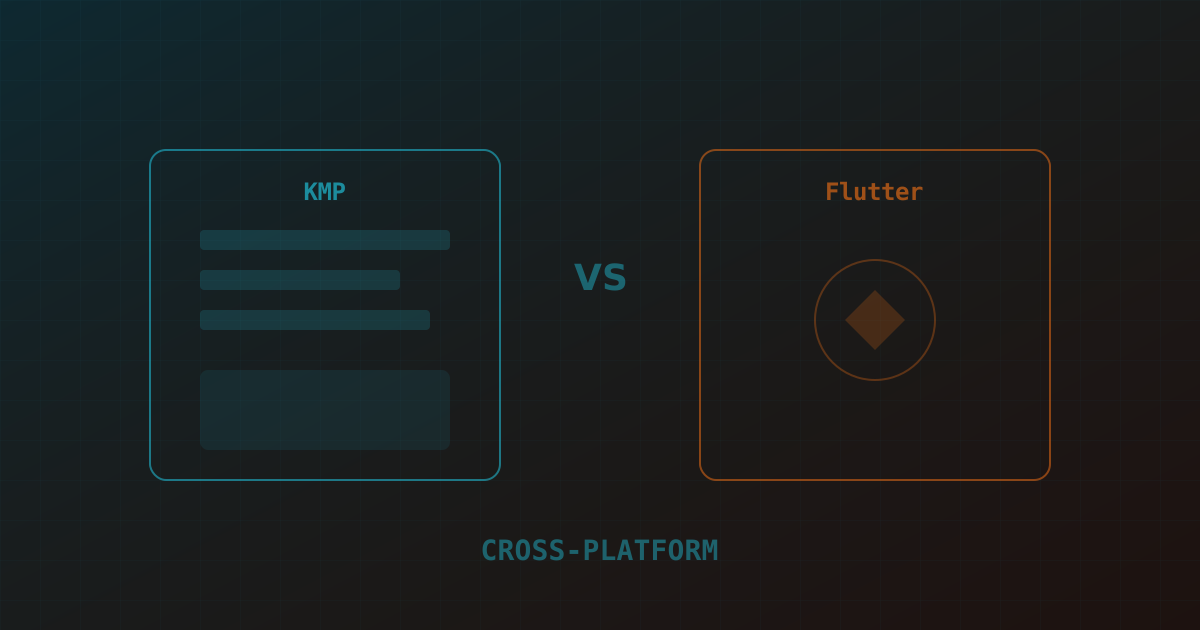
Flutter and Kotlin Multiplatform (KMP) solve cross-platform development differently. Flutter replaces the native UI layer entirely — it draws its own widgets using a Skia/Impeller rendering engine, giving you pixel-identical UIs across platforms. KMP shares business logic while keeping native UI — you write shared Kotlin code for networking, data, and business rules, then write platform-specific UI in SwiftUI/Jetpack Compose.
This architectural difference drives everything else. Flutter gives you more code sharing but less native feel. KMP gives you less code sharing but fully native UI that matches each platform's design language perfectly.
Code Sharing Model
Flutter shares everything: UI, business logic, networking, and platform integrations. A Flutter app is 85–95% shared code. KMP typically shares 40–60% of code — the business logic, data layer, and networking — while UI remains platform-specific. Compose Multiplatform (Jetpack Compose for iOS) is changing this, but it's still maturing for production iOS use.
In practice, Flutter's code sharing advantage is real but comes with a cost: the shared UI doesn't feel native on either platform. iOS users notice that Flutter apps don't quite match iOS conventions. Android users notice the same in reverse. For apps where native feel matters, KMP's approach produces better UX.
The UI Layer Question
This is the decision driver. If your app has complex, custom UI that looks the same on both platforms — dashboards, data visualization, branded experiences — Flutter's rendering engine is an advantage. You build once and get consistent visuals everywhere.
If your app should feel like a native iOS app on iOS and a native Android app on Android — following each platform's navigation patterns, gesture conventions, and design language — KMP with native UI is the better choice. The extra effort of writing two UIs produces a significantly better user experience.
Both frameworks deliver excellent performance for typical business applications. Flutter's Impeller renderer has eliminated shader compilation jank. KMP's shared code compiles to native on each platform with zero overhead. The performance difference only matters for graphics-intensive applications — games, complex animations, real-time data visualization — where Flutter's rendering engine can be both an advantage (consistent performance) and a limitation (can't access platform-specific GPU optimizations as easily).
Startup time is comparable. Memory usage is slightly higher in Flutter due to the rendering engine overhead, but the difference is negligible on modern devices.
Ecosystem and Libraries
Flutter's ecosystem is larger and more mature. Pub.dev has packages for almost every integration. KMP's ecosystem is growing rapidly but still has gaps — especially for iOS-specific integrations where you'll need to write expect/actual declarations more often. The KMP ecosystem's strength is in leveraging existing native libraries — you can call Swift and Kotlin native libraries directly from shared code.
Interop with Existing Native Codebases
Interop with existing native codebases is where the two frameworks diverge most in practice. KMP was designed from the start to sit inside an existing iOS or Android app — you can introduce a shared module for just the networking layer of an app that's otherwise 100% Swift or Kotlin, and expand its scope over time. This makes KMP a realistic option for large existing native codebases that want to reduce duplication incrementally, without a rewrite. Flutter, by contrast, is not designed for this kind of gradual adoption inside a native app; Add-to-App exists but is a heavier lift and rarely the recommended path for teams with substantial existing native investment.
Team ramp-up time differs meaningfully too. A team of experienced iOS and Android engineers can be productive in KMP within a few weeks, since they keep writing Swift and Kotlin for the UI and only need to learn the shared-module conventions. A team without existing native mobile experience will ramp faster on Flutter, since Dart and the widget model are a single thing to learn rather than two platform-native UI frameworks plus a bridging layer. Our Kotlin development and Flutter app development teams both run onboarding assessments to match new client teams to the framework that fits their existing skills.
When to Choose KMP
Choose KMP when: your team has strong Kotlin/Android and Swift/iOS developers; native platform feel is a priority; you're adding cross-platform to an existing native codebase; you need deep platform-specific integrations (ARKit, HealthKit, etc.); or you want to share logic between iOS, Android, and backend (Kotlin on the server) for maximum code reuse.
When to Choose Flutter
Choose Flutter when: you're building a new app from scratch; you want maximum code sharing with a small team; consistent cross-platform UI is more important than native feel; you need to target additional platforms (web, desktop, embedded) from the same codebase; or your team has web/React experience and can ramp on Dart quickly.
A Head-to-Head Delivery Comparison
We ran both frameworks side by side on a mid-complexity fintech app requirement — auth, a data-heavy dashboard, push notifications, and biometric unlock — to compare real delivery timelines, not just theoretical capability. The Flutter build took roughly 30% less total engineering time to reach feature parity, largely because the UI layer was written once instead of twice. The KMP build took longer but shipped with zero platform-specific bug reports related to UI conventions — no complaints about non-native scrolling behavior, gesture handling, or system UI integration, which the Flutter version did receive a handful of during iOS beta testing.
For teams choosing between the two purely on delivery speed for a UI-heavy consumer app, Flutter usually wins. For teams where native platform integration depth and long-term codebase flexibility matter more than initial delivery speed, KMP's investment pays off over the following 12-18 months as the app's native-integration surface grows. Teams evaluating this tradeoff for their own roadmap can hire Flutter developers or Kotlin specialists for a short paid discovery sprint before committing either way.