Integration Patterns
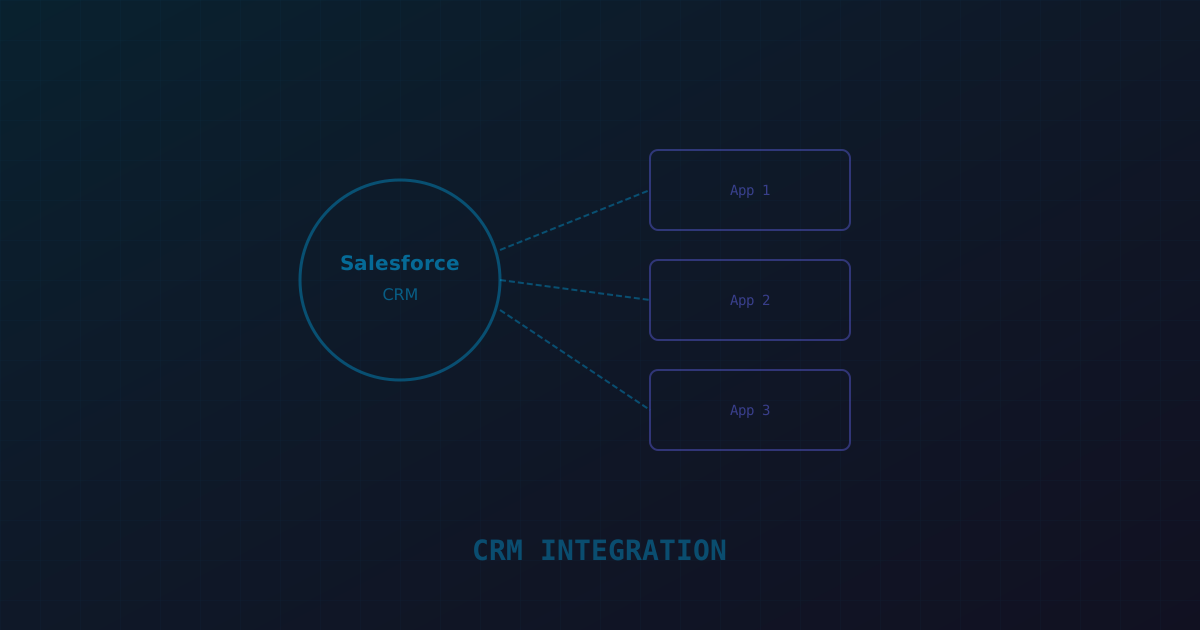
Salesforce integrations follow four patterns: request-response (your app calls Salesforce API and waits for a response), batch sync (periodic bulk data synchronization), event-driven (Salesforce publishes events that your app subscribes to), and UI embedding (Salesforce components embedded in your app or vice versa). Most enterprise integrations use a combination — request-response for real-time lookups, event-driven for data synchronization, and batch for large data migrations.
Salesforce REST API
Salesforce provides multiple APIs: REST API (general CRUD operations), SOAP API (older, more complete metadata access), Bulk API 2.0 (large batch operations), and Streaming API (real-time event subscriptions). For custom application integration, the REST API is the primary interface. It supports SOQL queries, SObject CRUD, composite operations (multiple operations in one request), and rich query filtering.
The REST API's rate limits are the primary constraint: 15,000 API calls per 24 hours per org (for Enterprise Edition) or a formula-based allocation for higher editions. Each API call counts — even query calls. Design your integration to minimize API calls: use composite requests to batch operations, use SOQL relationship queries to fetch related data in a single call, and cache aggressively on your side.
Platform Events are Salesforce's pub/sub messaging system. Your Salesforce org publishes events when records change, and external applications subscribe to these events via CometD or the newer event replay API. Change Data Capture (CDC) is a specific type of Platform Event that automatically publishes change events for any SObject — you don't need to write Apex triggers; Salesforce generates change events automatically.
The architecture: your integration service subscribes to CDC events for the SObjects you care about (Account, Contact, Opportunity, custom objects). When a record changes in Salesforce, the event is published, your service receives it, and updates your application's database. This provides near-real-time synchronization without polling. Event replay allows your service to resume from where it left off after a disconnection — critical for production reliability.
Authentication and Security
Salesforce authentication for integrations uses OAuth 2.0. The JWT Bearer Token flow is the standard for server-to-server integration — your service authenticates with a certificate, receives an access token, and uses it for API calls. The token expires after 2 hours; your service should cache tokens and refresh them proactively before expiry.
Security considerations: never store Salesforce credentials in code or environment variables accessible to developers. Use a secrets manager (AWS Secrets Manager, HashiCorp Vault). Restrict the integration user's profile to only the permissions it needs — don't use a System Administrator profile for integrations. Enable Event Monitoring to audit API usage and detect anomalous patterns.
Bulk Data Operations
For large data operations (syncing more than a few thousand records), use Bulk API 2.0. It processes data asynchronously in batches — you submit a job with CSV data, Salesforce processes it in the background, and you poll for completion. Bulk API 2.0 handles up to 150 million records per day and doesn't count against REST API rate limits in the same way.
The pattern for initial data sync: export from Salesforce using Bulk API query, transform, and import into your database. For ongoing sync, use CDC events for incremental updates. This combination — bulk for initial load, CDC for incremental — is the most reliable and efficient architecture.
Error Handling and Retry
Salesforce API calls fail for many reasons: rate limits (403 with Retry-After header), concurrent request limits, validation rule failures, and transient network errors. Your integration must handle all of these. Rate limit errors should trigger exponential backoff using the Retry-After header value. Validation failures should be logged with the specific field and rule that failed. Transient errors should retry up to 3 times with backoff.
Implement a dead letter queue for events that fail processing after retries. These events need manual investigation — usually a data issue in Salesforce that needs correction before the integration can process it successfully. Alert your operations team when events land in the dead letter queue so they're resolved promptly. This is the reliability bar our Salesforce development team holds for every integration, and it's the first thing we review during a Salesforce implementation health check for clients inheriting an existing integration.