The global EV charging station market is projected to reach $185 billion by 2030. As electric vehicle adoption accelerates, the need for reliable, real-time charging station finder apps becomes critical. This guide covers the full technical architecture for building a production-grade EV charging station finder, from maps integration to payment processing.
App Architecture and System Design
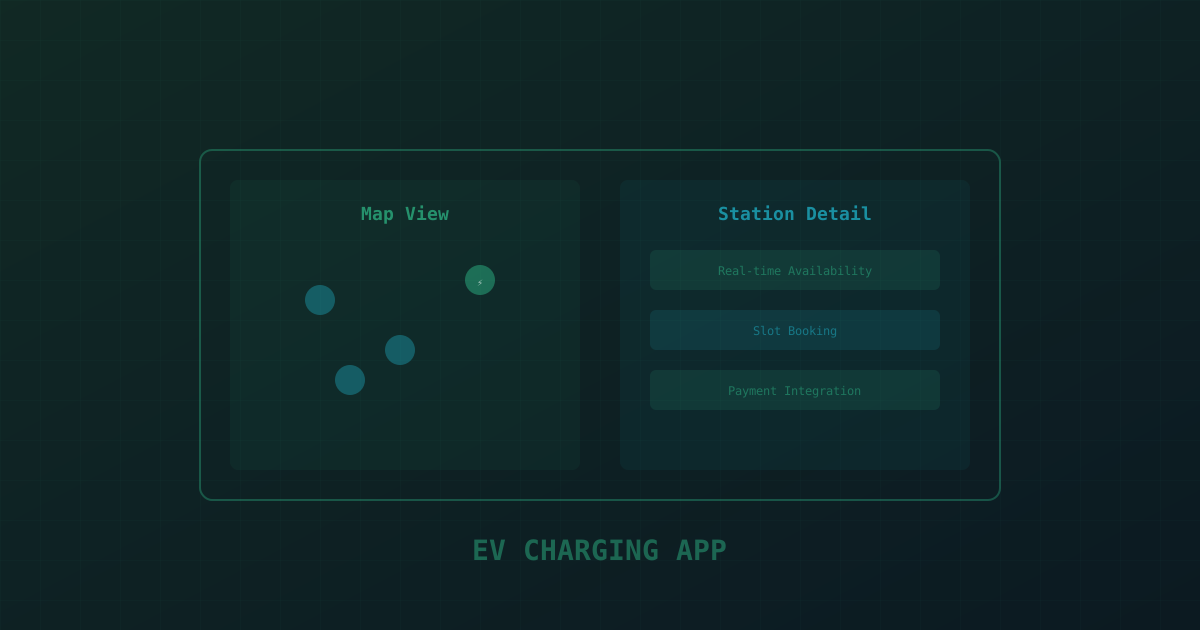
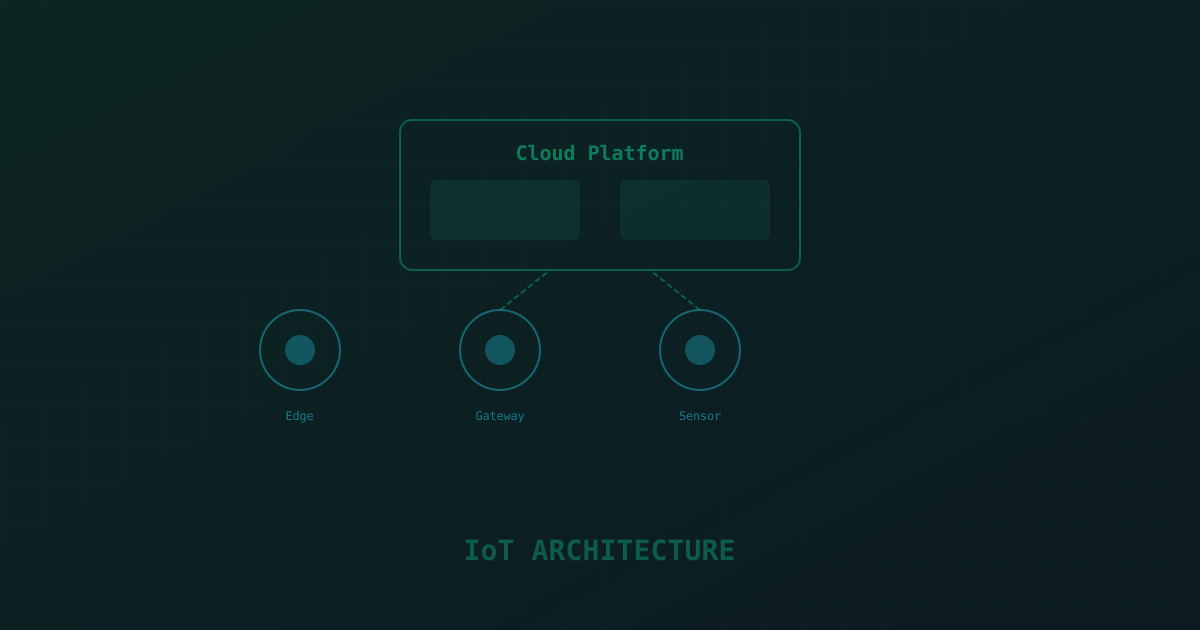
An EV charging station finder app requires three core layers: a mobile frontend (iOS and Android), a backend API server, and a real-time data pipeline. The mobile app handles map rendering, user location, and booking. The backend manages station data, user accounts, and payment processing. The data pipeline ingests real-time availability from charging networks via APIs or IoT gateways.
Use a microservices architecture for scalability. Separate services for: station discovery, user management, booking/reservation, payment processing, and notifications. Each service should have its own database — PostgreSQL for relational data (users, bookings), Redis for caching and real-time state, and MongoDB for flexible station metadata. This kind of real-time ingestion pipeline is exactly where an experienced IoT development partner earns their keep.
Maps Integration: Google Maps vs Mapbox
The map is the core interface. You have two primary options: Google Maps Platform and Mapbox. Google Maps offers the most comprehensive POI data and familiar UX, but costs scale with usage — approximately $7 per 1,000 map loads after the $200 monthly credit. Mapbox offers more customization and lower costs at scale — approximately $5 per 1,000 map loads — with full control over map styling.
For an EV-specific app, Mapbox is often the better choice. You can style the map to highlight charging stations, customize marker clustering, and use Mapbox Directions API for route optimization. Integrate with the Open Charge Map API (free, open-source) or the OCPI (Open Charge Point Interface) protocol for station data.
// React Native map integration with Mapbox
import MapboxGL from '@rnmapbox/maps';

function ChargingStationMap({ stations }) {
  return (


      {stations.map(station => (


      ))}

  );
}
Real-Time Availability via WebSockets
Users need to know if a charger is available right now — not when it was last updated. Implement WebSocket connections for real-time status updates. When a user opens the map, establish a WebSocket connection to your backend. The backend subscribes to status updates from charging networks and pushes changes to connected clients.
Use Socket.io or native WebSockets with a Redis pub/sub layer for horizontal scaling. When a charger's status changes (available, charging, offline), the charging network's API sends a webhook or you poll their endpoint. Your backend updates Redis and broadcasts to all connected clients viewing that area.
// WebSocket handler for real-time charger status
io.on('connection', (socket) => {
  socket.on('subscribe:area', async ({ bounds }) => {
    const stations = await getStationsInBounds(bounds);
    socket.join('area:' + bounds.id);
    socket.emit('stations:initial', stations);
  });
});

// When charger status changes
function onChargerStatusUpdate(stationId, status) {
  redis.hset('charger:' + stationId, 'status', status);
  io.to('area:' + getAreaId(stationId))
    .emit('charger:update', { stationId, status, timestamp: Date.now() });
}
Payment Integration and Billing
Payment handling varies by charging network. Some networks have their own billing, others use roaming protocols like OCPI. For a standalone app, integrate Stripe for payment processing. Implement pre-authorization for charging sessions — hold an estimated amount before charging begins, then capture the actual amount when the session ends.
Support multiple payment methods: credit/debit cards, Apple Pay, Google Pay, and digital wallets. Store payment methods securely using Stripe's PaymentIntent API with PCI-compliant tokenization. Implement automatic receipt generation and expense tracking for business users.
Monetization and Business Models
There are four proven business models for EV charging finder apps, and they matter most for travel and mobility brands building loyalty around long-distance EV trips:
1. Freemium with Premium Features: Free basic station search, premium features like route planning, charging cost predictions, and offline maps for $4.99/month.
2. Advertising: Display ads from local businesses near charging stations. EV drivers typically wait 20-40 minutes while charging — high-value dwell time for coffee shops, restaurants, and retail.
3. Membership/Subscription: Offer a membership that includes reserved charging slots, discounted rates, and priority support. Charge $9.99-$19.99/month.
4. Commission Model: Partner with charging networks and take a commission on every charging session booked through your app. Typically 5-15% of session cost.
Development Cost Breakdown
Building a production-ready EV charging station finder app costs $40,000-$120,000 depending on complexity and team location. Here is a typical breakdown for an MVP:
UI/UX design: $5,000-$10,000. Frontend development (React Native or Flutter): $15,000-$30,000. Backend development: $12,000-$25,000. Maps integration and geolocation: $5,000-$10,000. Payment integration: $3,000-$7,000. Testing and QA: $5,000-$10,000. Project management: $5,000-$8,000. Total MVP: $50,000-$100,000 with a team of 4-6 developers over 3-4 months.
Recommended Tech Stack
For the mobile app, use React Native or Flutter for cross-platform development. For the backend, Node.js with Express or NestJS, or Python with FastAPI — or bring in dedicated Node.js developers to build the services if you don't have backend capacity in-house. Use PostgreSQL as the primary database, Redis for caching and real-time state, and Elasticsearch for fast geospatial queries. Deploy on AWS with ECS or on Google Cloud with Cloud Run. Use Firebase Cloud Messaging for push notifications and Stripe for payments. Monitor with Datadog or New Relic, and use Sentry for error tracking.